How I download Ghanaian memes automatically
This script started as a fun project to collect hilarious Ghanaian memes. While it served its purpose well, simpler options now exist, such as using Raycast with its Twitter video downloader extension.
Ghanaian memes are like new gold and are extremely hard to find. Traditional search engines don’t work for this purpose, and until someone creates a specific one, everyone just maintains their own personal meme collection.
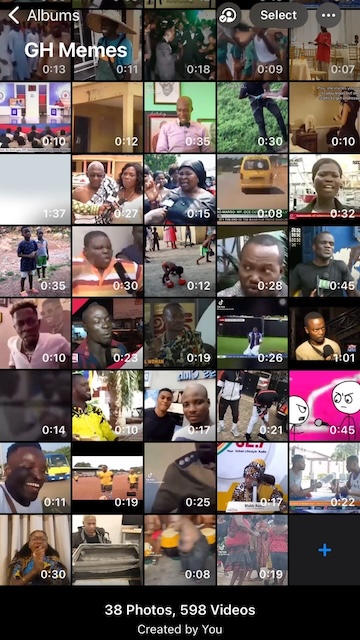
Here’s my Photos album containing a collection of videos and photos that I’ve randomly found online, mainly from Accra Twitter.
I’ve been gathering memes by sending tweets, such as those from Shorshor, to my script. The script automatically downloads the video and adds it to my collection.
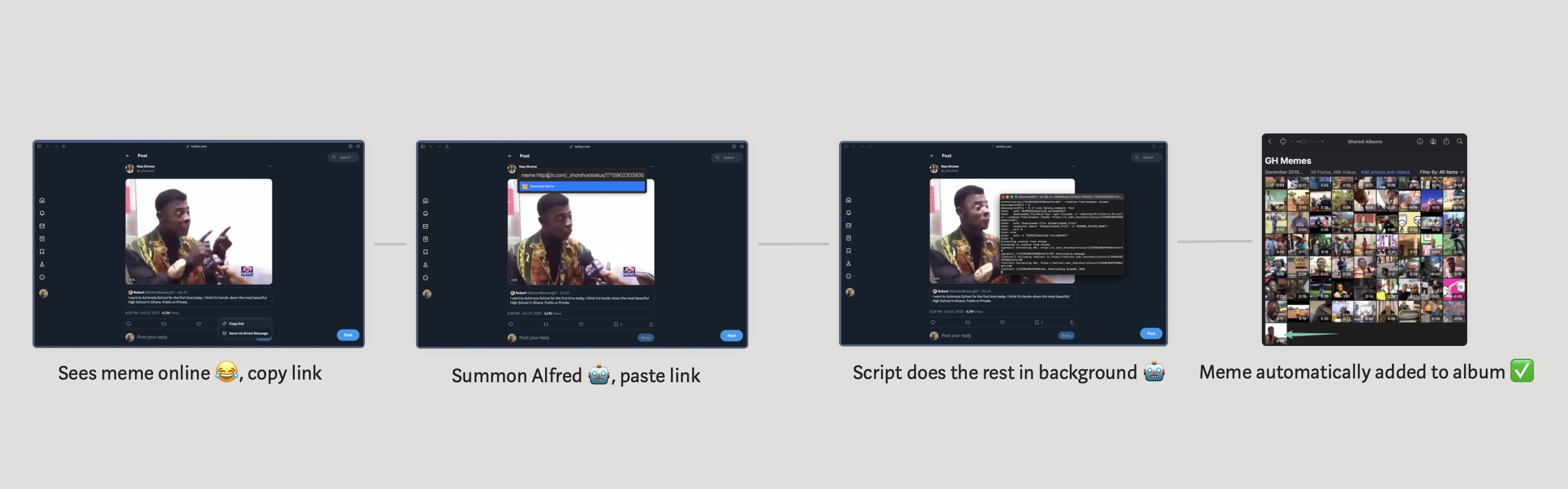
Here’s the main sauce: a hacked-together bash script that takes in a link,
represented by {query}, and uses
ytdlp to download the video,
and
osxphotos
to add it to my Photos album.
MEME_FOLDER_NAME="GH Memes"

# ANSI color codes
RED='\033[0;31m'
GREEN='\033[0;32m'
NC='\033[0m'

# Store the download command in a string (The download command runs yt-dlp with --cookies-from-browser to bypass login issues like with twitter)
ytdlp_command="yt-dlp -o ~/Desktop/%\(title\)s.%\(ext\)s -f \"bestvideo[ext=mp4]+bestaudio[ext=m4a]/best[ext=mp4]/best\" \"{query}\" --cookies-from-browser chrome"

# Run the download command and check if it worked
if eval $ytdlp_command; then
  echo "${GREEN}Download worked${NC}"
  # Get the downloaded file name
  downloaded_file=$(yt-dlp --get-filename -o ~/Desktop/%\(title\)s.%\(ext\)s --cookies-from-browser chrome "{query}")
  echo "Downloaded file: ${downloaded_file}"
  # Import the downloaded file into Photos and don't add duplicates
  osxphotos import "${downloaded_file}" --dup-check -a "${MEME_FOLDER_NAME}"
  exit 0
else
  echo -e "${RED}Download failed${NC}"
fi
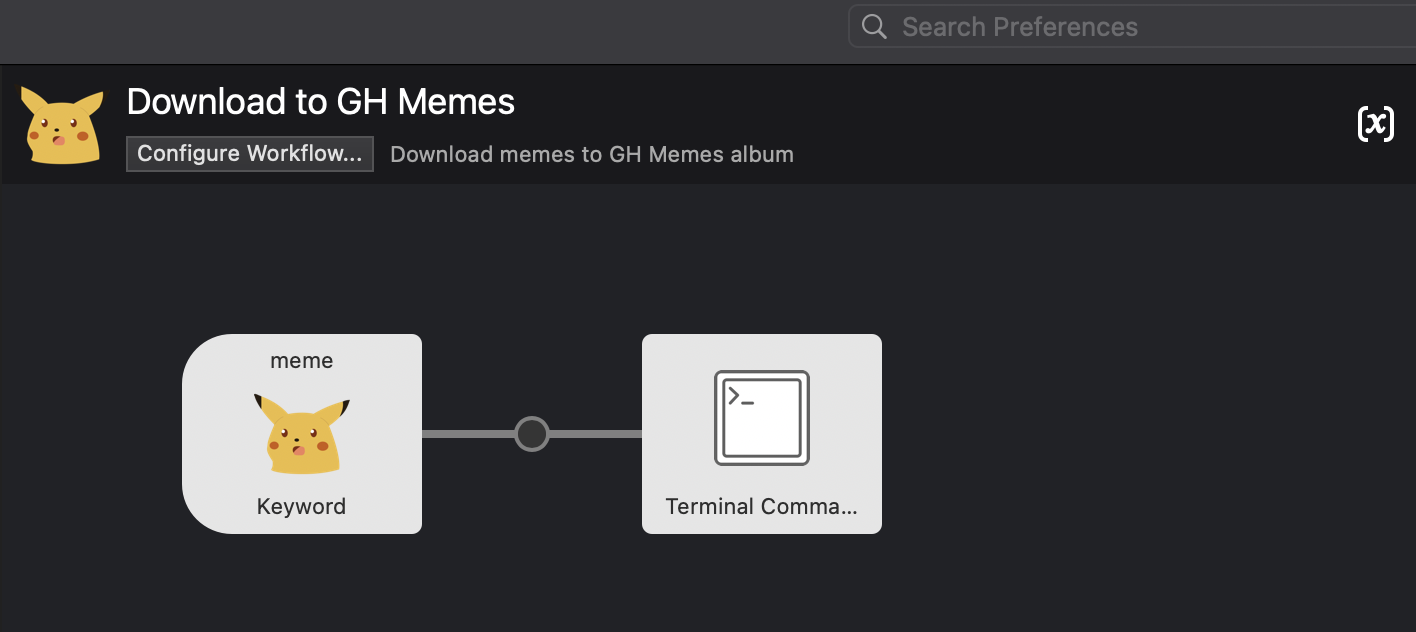
This script is invoked by a custom
Alfred workflow I created. When I
type meme into the command bar, it triggers the workflow, which
then executes the script above with whatever I’ve entered into it.
And that’s the setup!