Ep 11: Building a Frontend for Gogomi
Gogomi is a geospatial data pipeline I built to track my walks around Vancouver. It calculates my coverage across various neighbourhoods in the city and updates my progress after each walk. Until recently, I relied on a patchwork of modules for notifications, but it became clear I needed a more integrated solution.
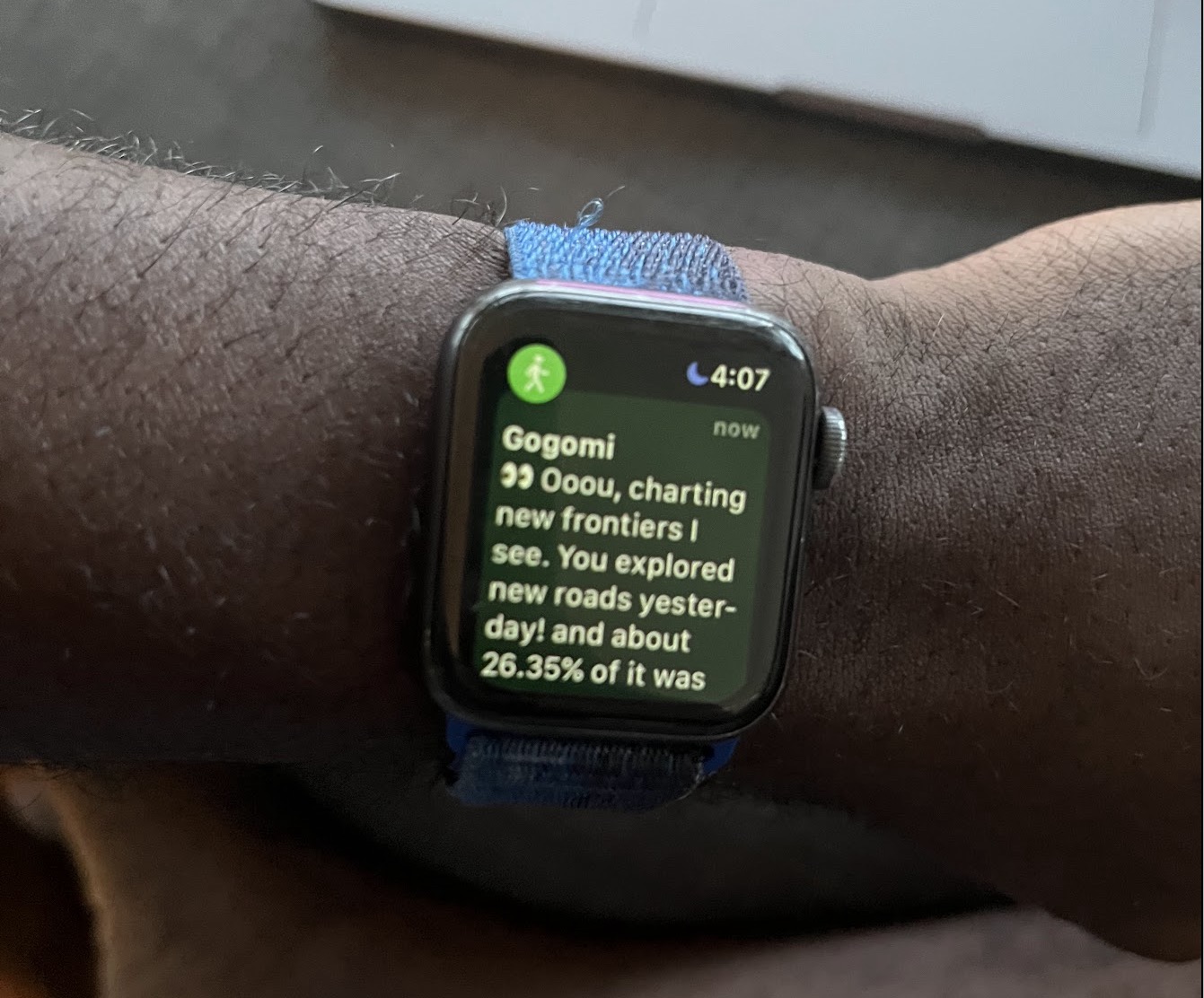
Initially, I used Siri shortcuts as the channel through which I get updates from Gogomi. While they were a quick way to prototype updates for my walks, their limitations became apparent as my needs grew. I found myself manually running shortcuts to check coverage stats and separately using Gogomi’s map (on Felt‘s website) to navigate unexplored roads around town. It was evident that I needed something more comprehensive—it was time to build an app 😄(😣).
Despite my initial reluctance, I explored Xcode and Swift UI. Coming from web development, I found iOS development surprisingly enjoyable, with Swift UI’s intuitive syntax and real-time previews speeding up my development process.
Key Views
I designed three main views for the app:
-
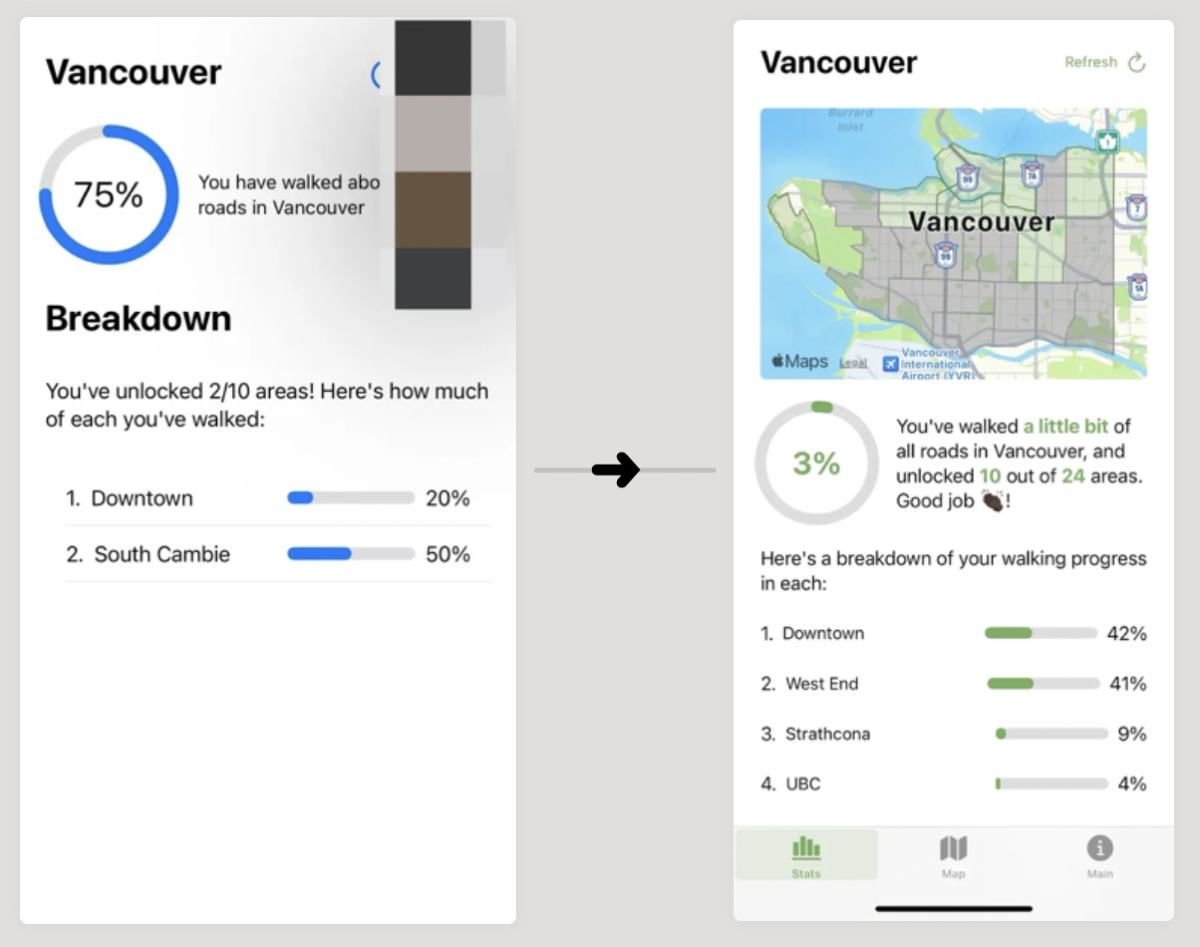
Summary View - This page showcases my overall quest progress with a large circular progress bar, along with individual progress bars for each area in the city. I eventually figured out how to use MapKit to draw polygons representing each neighbourhood, coloured based on my walking progress.
-
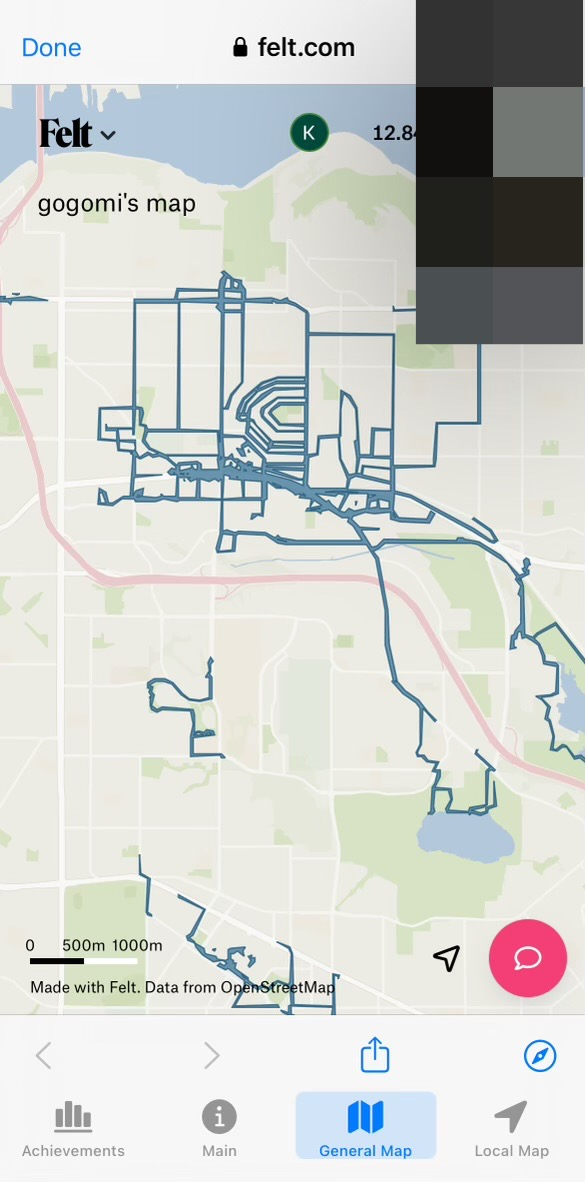
Map View - This page displays the map of walks that Gogomi has been updating, crucial for navigation during my walks. Currently, I’m using a WebView that points to the Felt map URL.
-
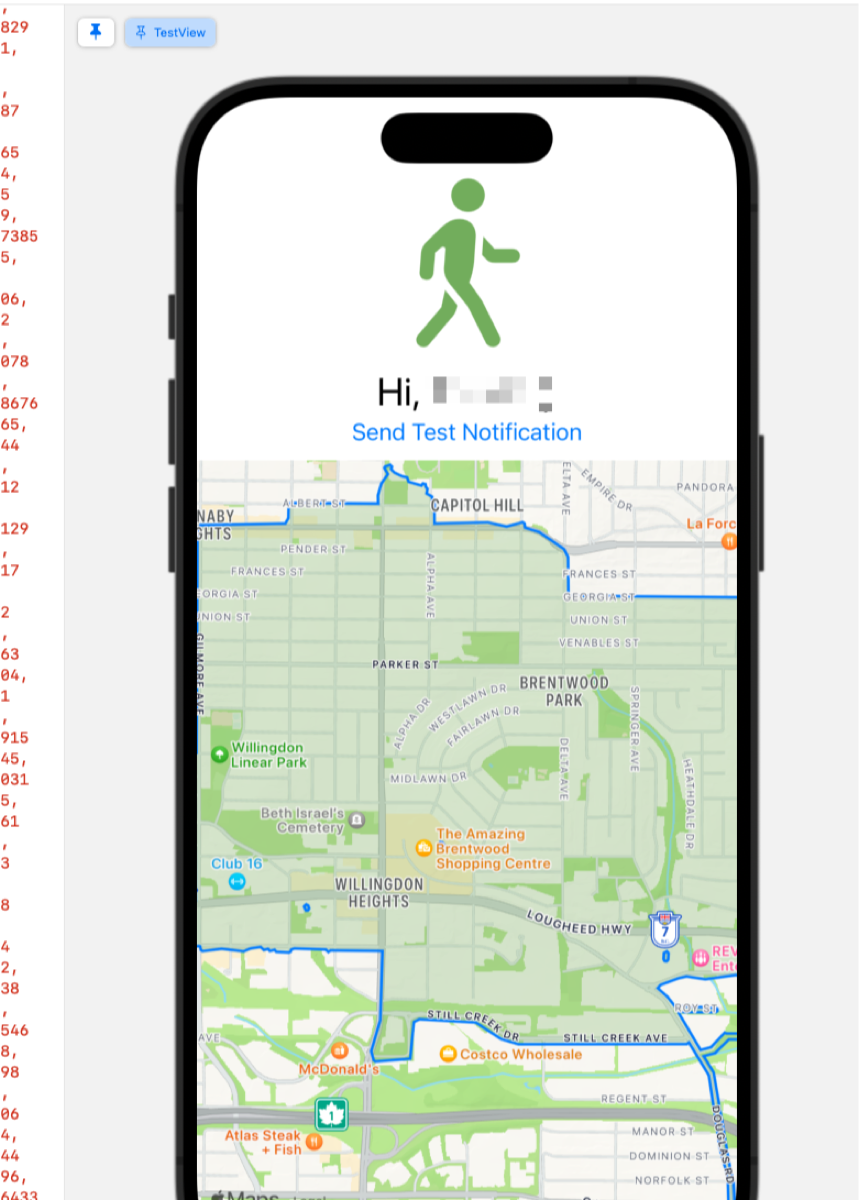
Misc View - This page serves a testing ground for new features. It currently includes buttons for testing notifications and a basic MapKit map (showing my walk polygons as a single blob—I haven’t fully figured that part out yet)
With these views in place, I had a functional prototype ready for real-world testing. Gogomi now combines stats/progress tracking and navigation in one app!
Future Improvements
While this app significantly improves upon the Siri shortcuts approach, there’s still room for growth. I’m working on:
- Refining the user interface
- Replacing the WebView with a native MapKit implementation for better performance and offline capabilities
- Enabling background notifications to phase out Siri shortcuts entirely.
Conclusion
This project has not only enhanced Gogomi’s functionality but also expanded my development skills. As I refine the app, I’m excited about how it’ll evolve as I explore more of Vancouver.
I’m excited to showcase this at tomorrow’s coworking space meetup. These fortnightly gatherings have become a great source of motivation and feedback for my projects. Who knows what new ideas this demo might spark?