Ep 03: Breathing life into the walks map
Previously, I uploaded every walk I’d ever recorded onto a neat map. But how do I handle future walks? I won’t remember the whole “export XML-create data frame-transform“ process every time I go for a stroll. Heck, if it weren’t for peer-to-peer networking technology, I would have lost my phone last week! So, remembering a convoluted process every time is out of the question.
Wouldn’t it be awesome if the map updated itself automatically whenever I recorded a new walk? That way, I could focus on actually going on walks!
Process
The good news is that I’ve already figured out how to extract data from my watch to the map. Now, I just need to automate this process.
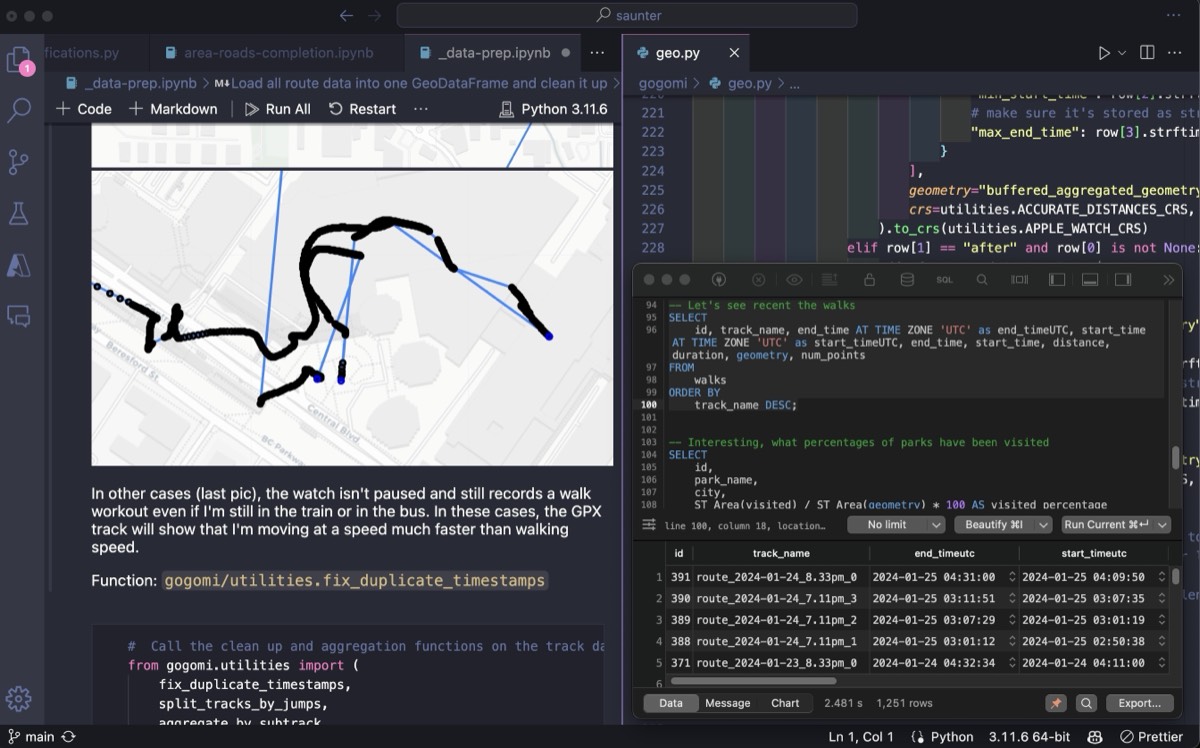
I combined the various functions and components from my previous exploration into a simple data pipeline (calling it Gogomi). This pipeline extracts geospatial metadata from my walk workouts, stores it safely, and renders everything on a Felt map.
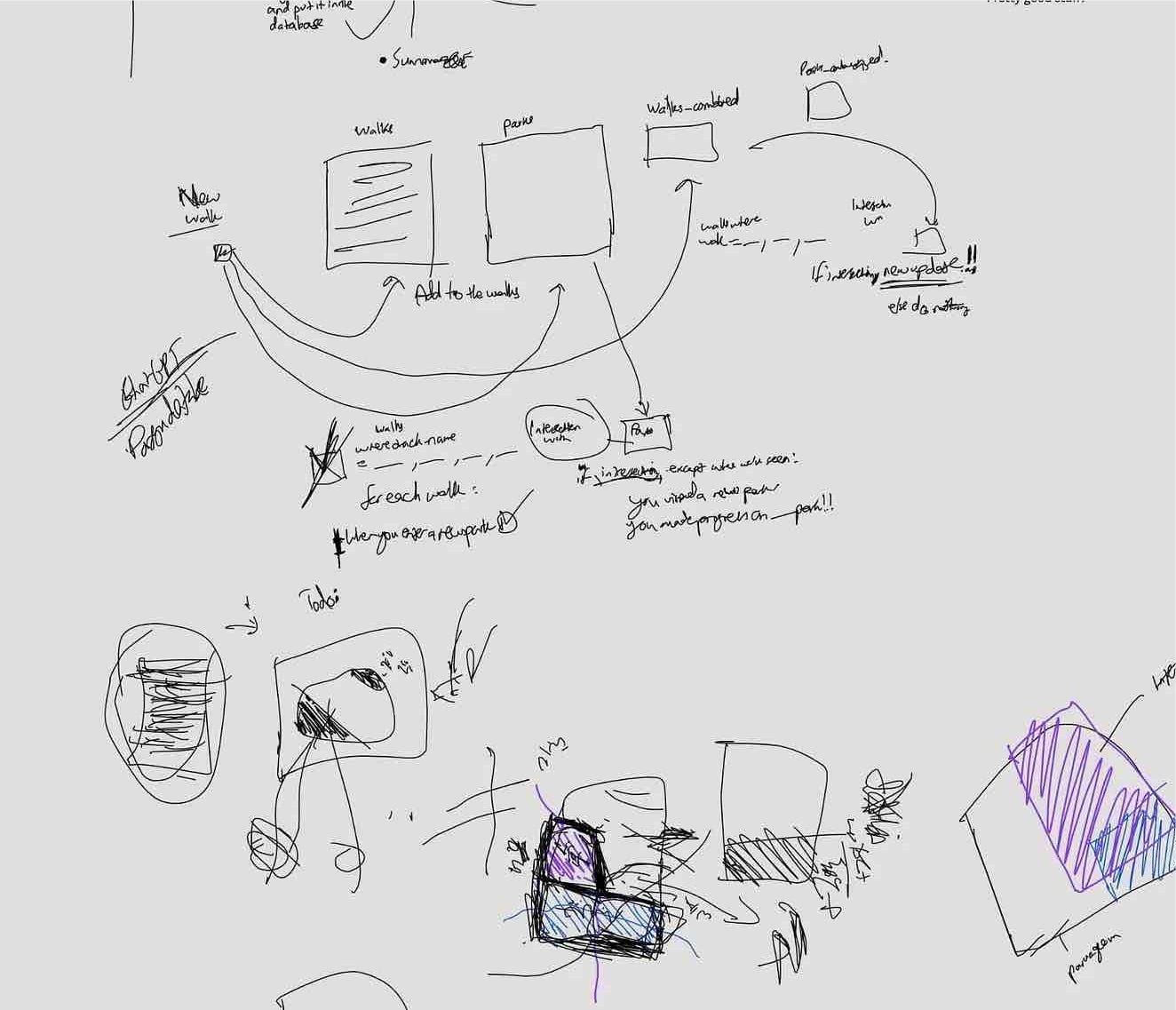
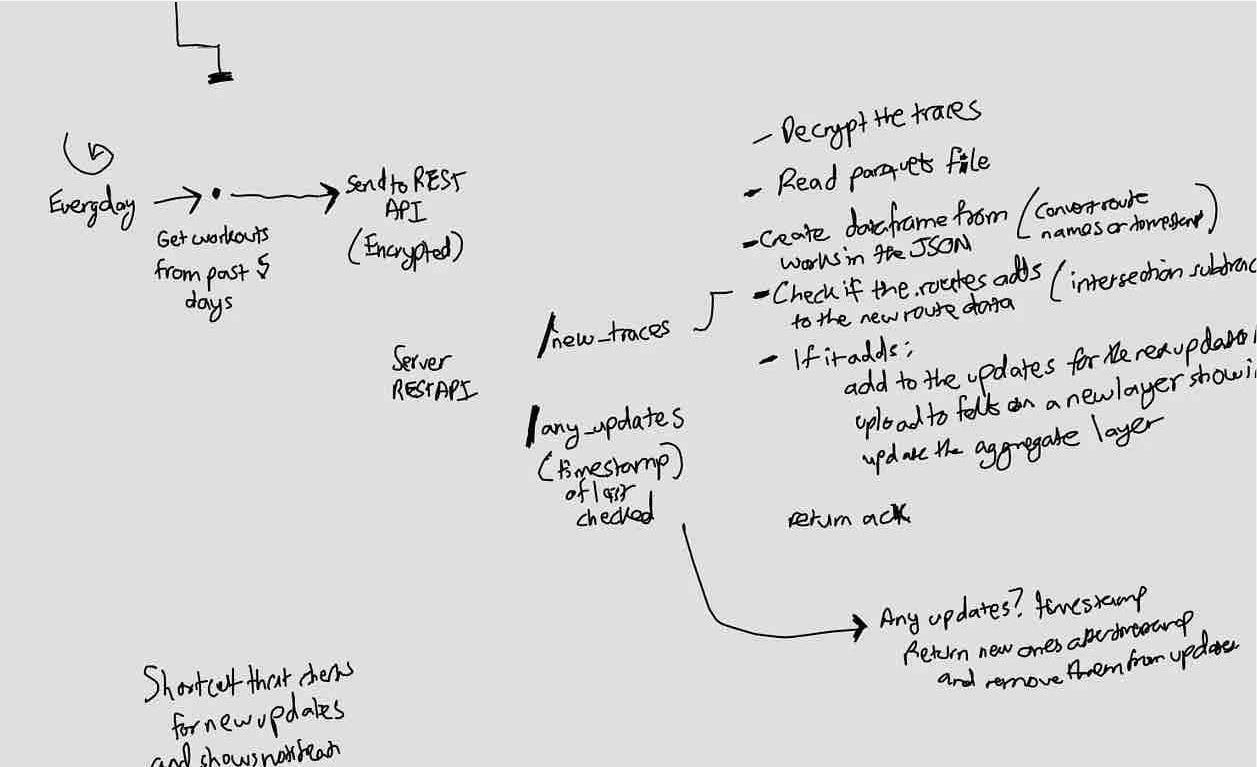
Here’s how the process works:
- An extractor routinely fetches walk workouts, including GPS metadata, from my Apple Watch using the AppleHealth API.
- A REST API (Python) receives the geospatial information, cleans it up extensively, and transforms it into a structured format for storage. It also uses Felt’s API to re-render all walks on a dedicated map.
- A database system stores this organized structure for future use. I chose Postgres with the PostGIS extension, which handles geospatial information and metadata quite well.
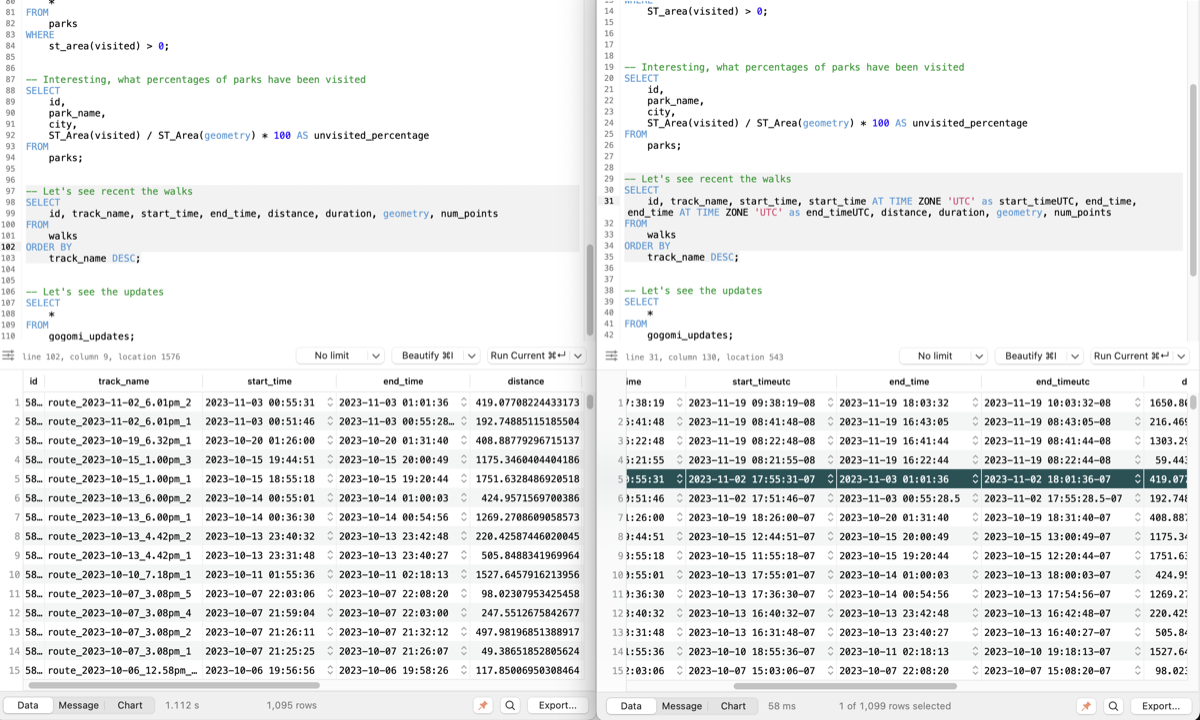
Testing the System
To test the system, I decided to use all my previous walks. I bunched up all the GPS traces and sent them to the backend server in batches. After a few seconds, I opened the live Felt map and…
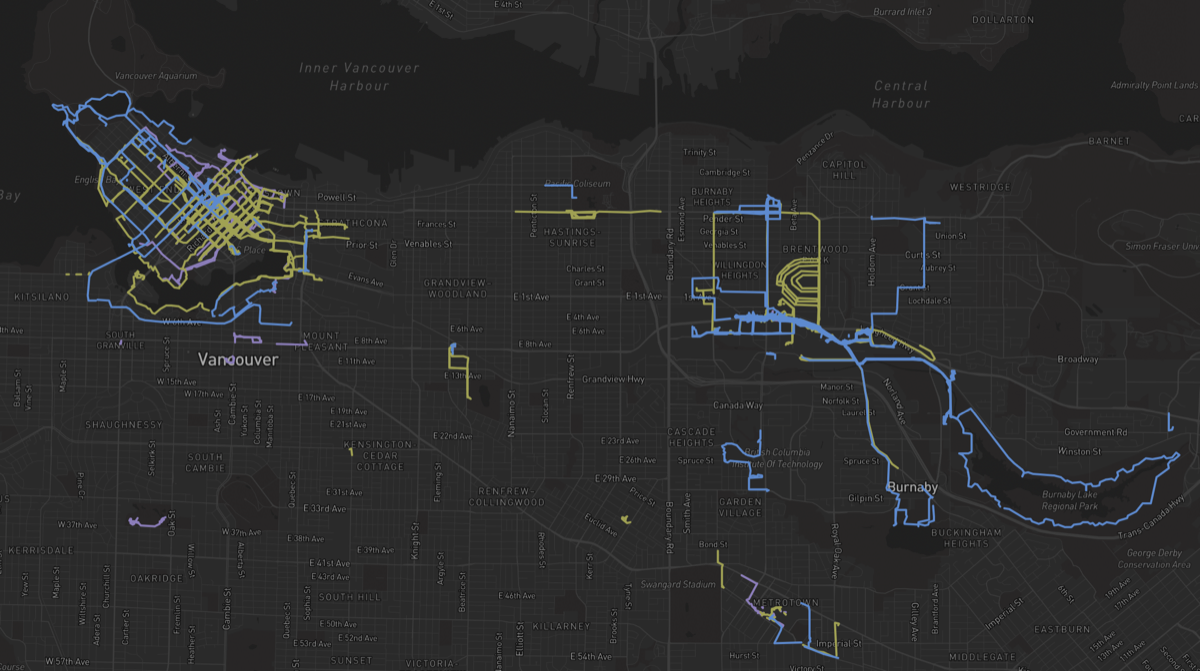
The data pipeline works! However, it’s missing something…
Adding Feedback

One lesson I learned from Don Norman‘s The Design of Everyday Things is the importance of a good feedback loop. At this point, my walks automatically appear on a map, which I can check periodically. But the experience would be much better if the map could ‘speak back’ to me.
Imagine if the data pipeline could send notifications to my phone, letting me know whenever it has rendered new walks. Even better, it could tell me how much of the walk was new, motivating me to explore more!
To implement this, I modified the pipeline. Now, it stores walks in the database and runs geometric operations to determine what’s new. Based on the results, it creates updates like “You’ve walked 50% new ground. Good job!”
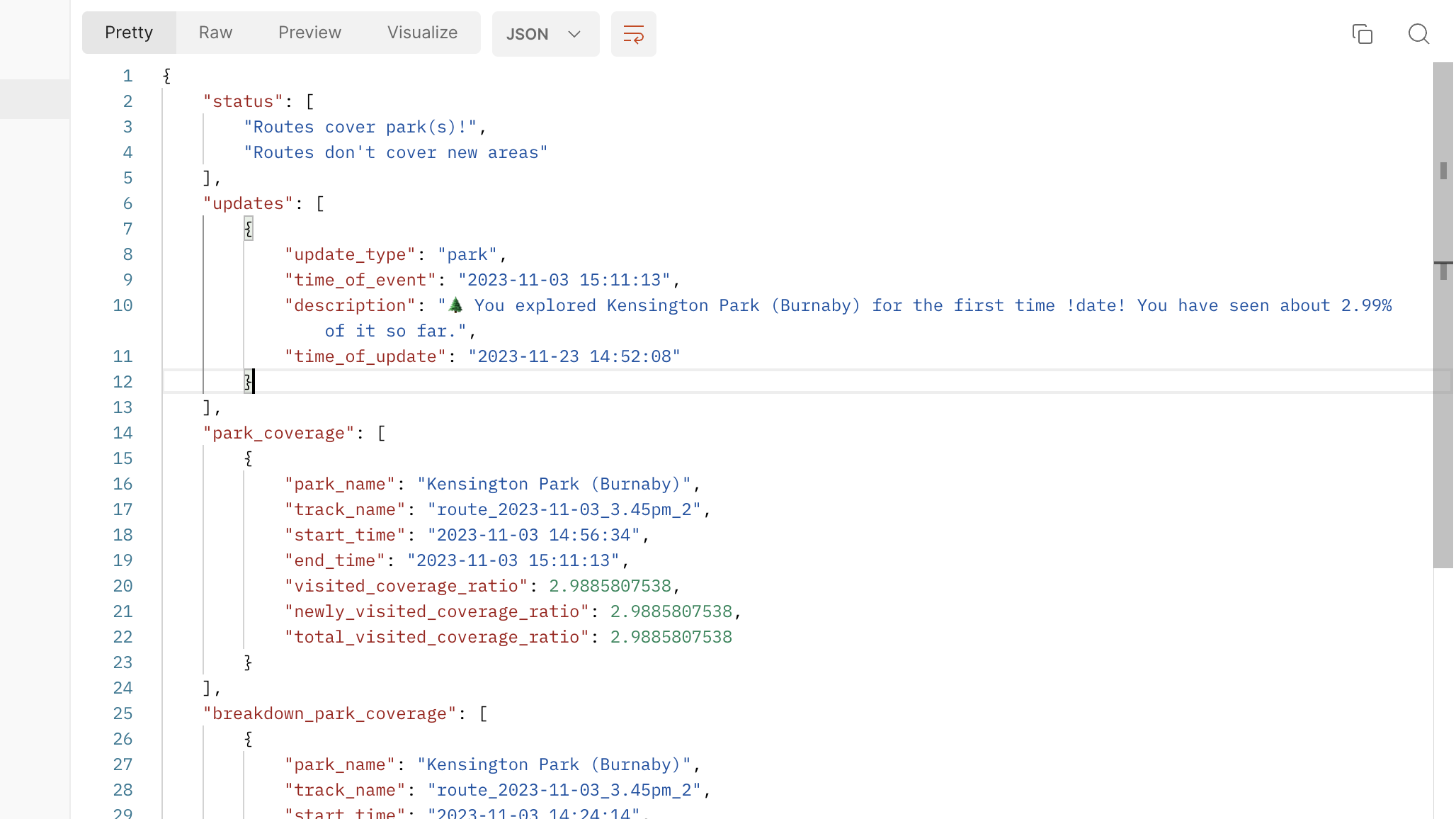
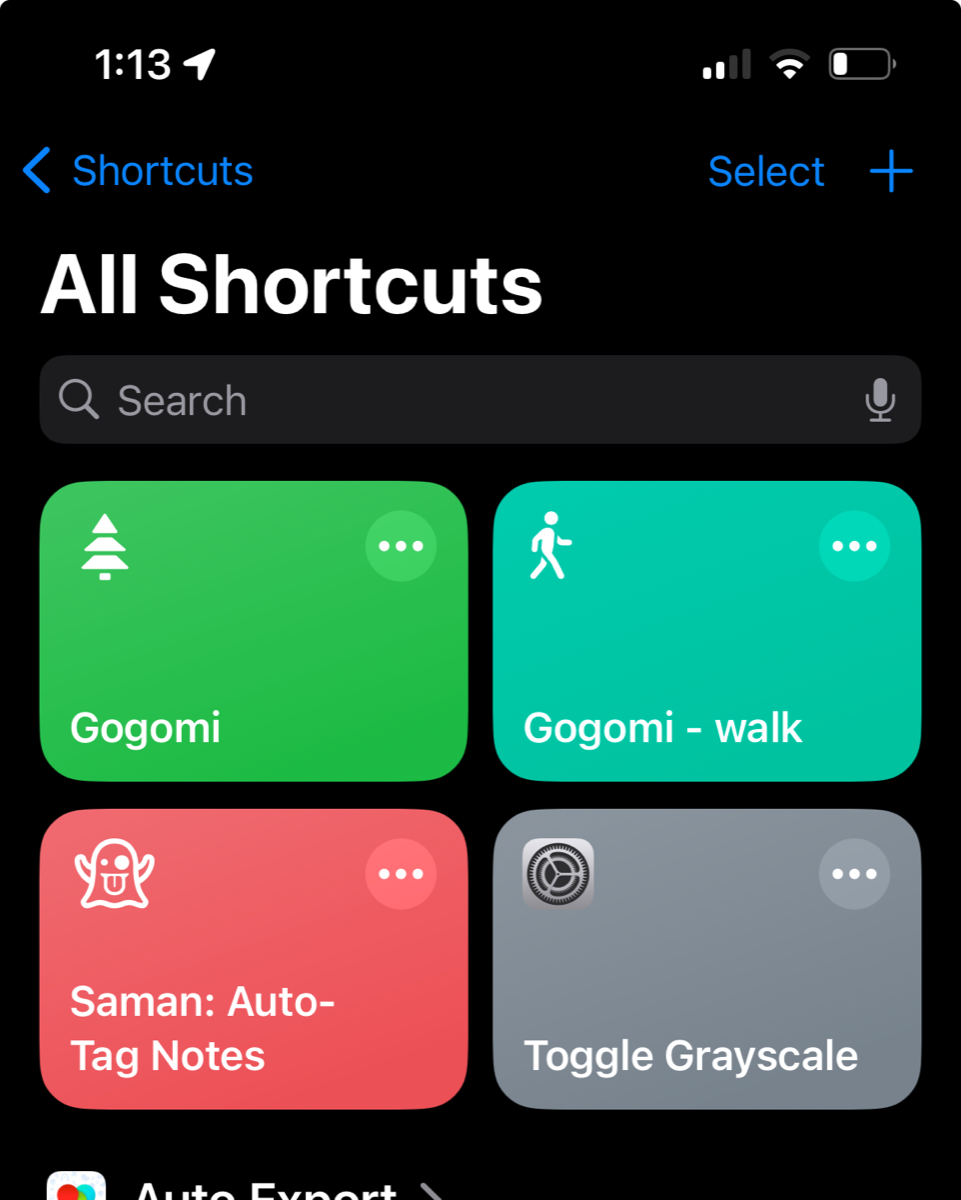
To receive these updates as notifications on my phone, I use Siri Shortcuts to periodically ‘pull’ from the backend server. Ideally, there would be an iOS app for this, but I don’t know how to make one yet and don’t want to start now 😅
Closing
Let’s run the whole pipeline locally with an old walk trace and…
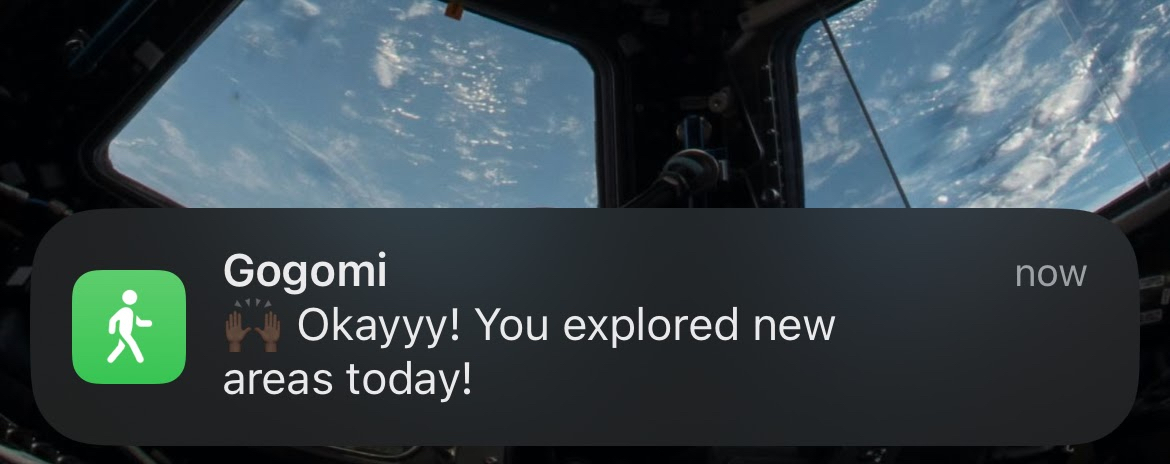
Now we’re talking! Okay, okay, this is exciting. Let’s take Gogomi out for a spin.